

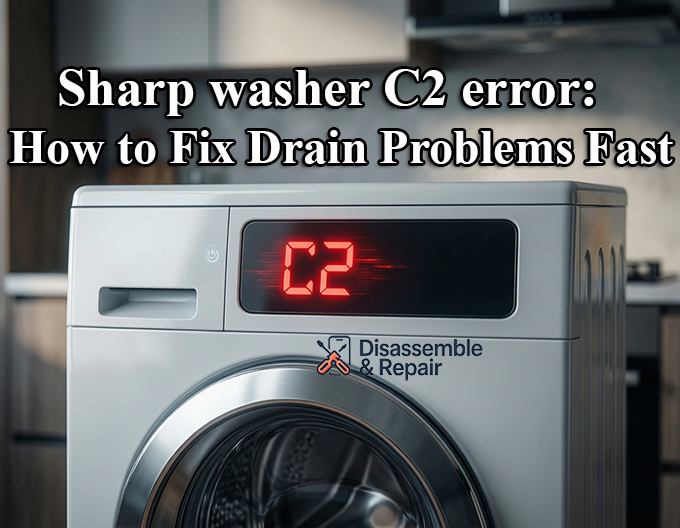
The “Sharp washer C2 error” typically halts your laundry routine, signaling a disruption in the machine’s ability to regulate water levels or drain properly. If you see the Sharp washer C2 error flashing on your display, it is an indication that the appliance has detected an abnormal water level or a failure in the drainage system.
This guide provides a professional, step-by-step troubleshooting approach to diagnosing and fixing the C2 error code.
Understanding the Sharp Washer C2 Error
The C2 error code on a Sharp washing machine is dual-natured, meaning it can point to two distinct but related systems depending on your specific model series.
- Drainage Issues: For many users, this code triggers when the machine cannot empty water effectively, often due to a blockage or pump failure.
- Water Level Sensor Faults: In other models, C2 specifically indicates an “abnormal water level” reading, where the water level sensor (or pressure switch) detects water remaining in the tub when it should be empty, or fails to detect water filling correctly.
Regardless of the root cause, the machine stops operation to prevent overflowing or electrical damage.
Troubleshooting the Drainage System
Since drainage issues are the most common trigger, inspecting the drainage system is the logical first step.
1. Inspect the Drain Hose
The drain hose is responsible for carrying wastewater away from the machine.
- Check for Kinks: Ensure the hose is not bent, twisted, or crushed behind the machine. A simple kink can restrict flow enough to trigger the C2 error.
- Verify Height: The drain hose must be installed at the correct height (usually between 60cm and 100cm from the floor). If it is too low, water may siphon out; if too high, the drain pump may struggle to push water out.
- Clear Blockages: Remove the hose and run water through it to ensure there is no internal blockage caused by lint or small objects.
2. Clean the Drain Filter
A clogged drain filter is a frequent culprit for drainage errors, especially in a front load washer.
- Locate the filter door, typically found at the bottom right corner of the machine.
- Place a towel and a shallow tray underneath to catch residual water.
- Unscrew the filter counter-clockwise and remove it.
- Clean out any lint, coins, or debris that may be obstructing the flow.
- Rinse the filter under warm water before reinstalling it securely.
3. Check the Drain Pump
If the hose and filter are clear, the drain pump itself might be the issue.
- Listen to the machine during a drain cycle. A humming sound without water movement often indicates a jammed impeller.
- If the pump is silent or makes a grinding noise, it may be mechanically failed and require washing machine repair.
Inspecting the Water Level Sensor
If the drainage system is functioning correctly, the focus must shift to the water level sensor (also known as the pressure switch). This component tells the control board how much water is in the drum.
1. Check the Air Tube
The sensor operates using air pressure transmitted through a small plastic tube connected to the drum.
- Blockage in the Tube: Over time, soap scum or debris can clog this tube, causing the sensor to give false readings.
- Air Leaks: A pinhole leak or a loose connection at either end of the tube will prevent the pressure switch from activating, leading to the C2 error.
- Fix: Disconnect the tube (with the machine unplugged) and blow through it to clear any obstructions. Ensure it is firmly reattached.
2. Sensor Failure
If the tube is clear, the sensor itself may have failed. An electronic multimeter can be used to test the sensor for continuity, but for most users, this requires professional troubleshooting.
How to Perform an Error Code Reset
Sometimes, the Sharp washing machine C2 error code is the result of a temporary glitch in the control board rather than a hard mechanical failure. A system reset can clear these false positives.
Steps to Reset:
- Power Down: Turn off the washing machine and unplug it from the power outlet.
- Wait: Leave the machine unplugged for at least 5 to 10 minutes. This allows the capacitors on the control board to discharge.
- Restart: Plug the machine back in.
- Test Run: Select a “Spin” or “Drain” cycle to see if the pump engages and the error clears.
When to Call for Professional Repair
If you have cleared the drain hose, cleaned the filter, and verified the pressure switch tubing but the C2 error persists, the issue likely lies with the main control board or a wiring harness failure.
At this stage, professional washing machine repair is recommended. The control board is the brain of the appliance; if it is interpreting signals incorrectly, no amount of external cleaning will resolve the issue.
Summary Checklist
- Straighten drain hose kinks.
- Clean the drain filter (especially on front load washer models).
- Verify the drain pump impeller is spinning freely.
- Inspect the water level sensor air tube for blockage.
- Perform an error code reset by power cycling the unit.
By systematically isolating the drainage components and the sensor system, you can often resolve the Sharp washer C2 error without the need for expensive service calls.
Frequently Asked Questions
What does the C2 error code on a Sharp washing machine mean?
The C2 error code indicates a disruption in the machine’s ability to drain water or regulate water levels. It is usually triggered when the appliance detects that water is not leaving the drum quickly enough or when the water level sensor (pressure switch) sends an abnormal reading to the control board.
How do I perform a quick reset to clear the C2 error?
To reset the control board, turn off the washing machine and unplug it from the power outlet. Leave it disconnected for 5 to 10 minutes to allow the electrical components to discharge. Once you plug it back in, select a “Spin” or “Drain” cycle to see if the error has cleared.
Where is the drain filter located on my Sharp washer?
On most models, especially front-load washers, the drain filter is located behind a small door at the bottom right corner of the front panel. It is important to place a towel or tray underneath before opening it, as some residual water will likely leak out when the filter is removed.
What should I check if the drain hose and filter are both clean?
If the drainage path is clear, you should inspect the air tube connected to the water level sensor (pressure switch). Ensure the tube is not clogged with soap scum, kinked, or leaking air. If the tube is clear and firmly attached, the sensor itself or the main control board may be faulty, requiring professional repair.


